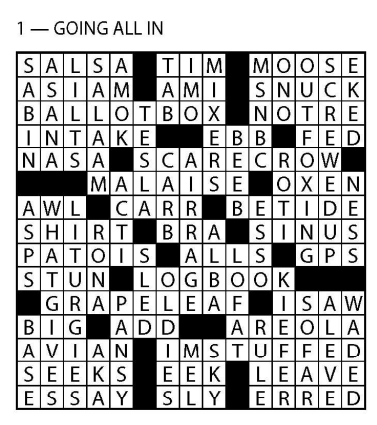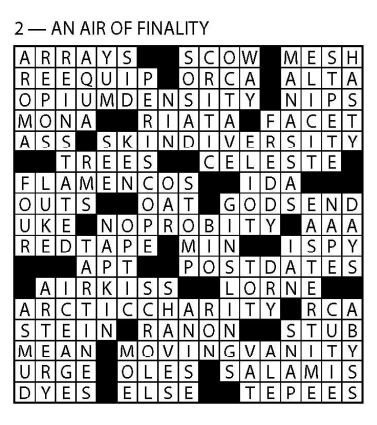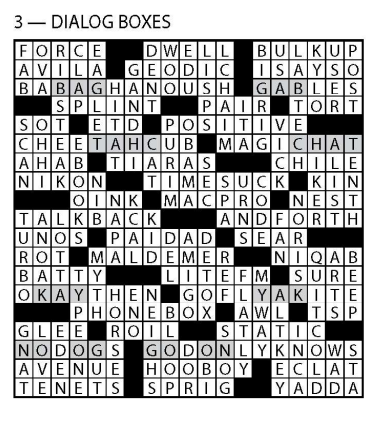









Try out the following puzzles from 2021’s ACPT before signing up for this year’s event. They’ll give you an idea of the difficulty of the tournament puzzles this year as well as give you an opportunity to ensure that the AmuseLabs interface works on your computer. You do not have to have an id on this site to access these puzzles. If you would like to compute your score after you are done, see the ACPT Score Calculator form below and input your number of words correct, correct letters and time taken. (These are all reported to you when you submit the puzzle.)
Here are some solving tips:
- If you want to be a speed solver, make sure you solve on a desktop or laptop. You can solve on a tablet, but not a mobile phone.
- We will retrieve your email address from your acptonline.com login, so no need to enter your email address after solving for us to track your scores on our Standings page. Make sure you login to the site with the email address you registered for the virtual tournament with.
- Be sure to submit your puzzle before the time is up.
- When you have 10 seconds left on the puzzle, the timer will turn red. There are also warning “beeps” at one minute left and another at 10 seconds remaining.
- If you go into negative solving time, you will receive a zero on your puzzle!
- If you have already registered for the virtual event and find that you can’t solve the puzzles to your satisfaction – whether related to your computer/laptop/tablet or for any other reason, please fill out the Contact form and ask for a refund. We will be happy to refund your full registration fee if you contact us before the start of the tournament.